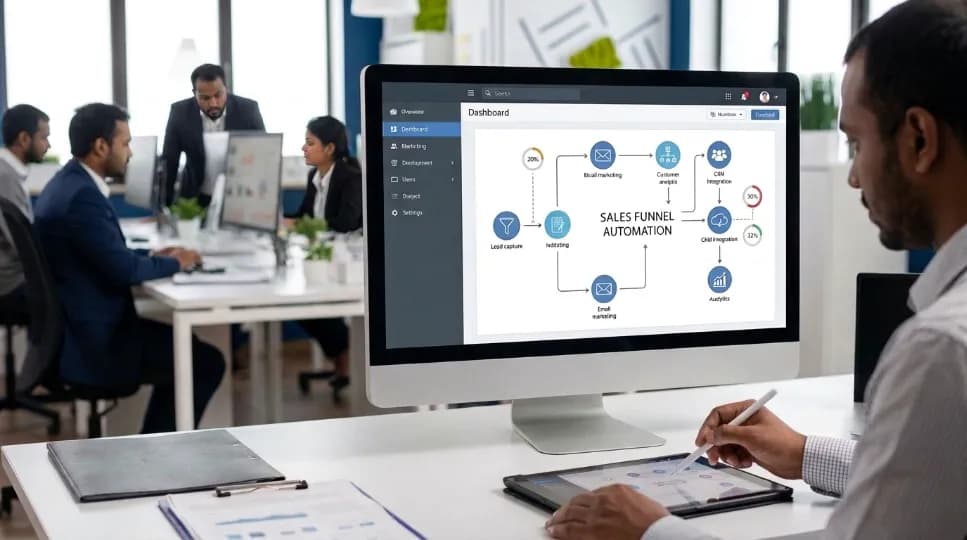
How to Set Up Automated Email Campaigns for Your Business

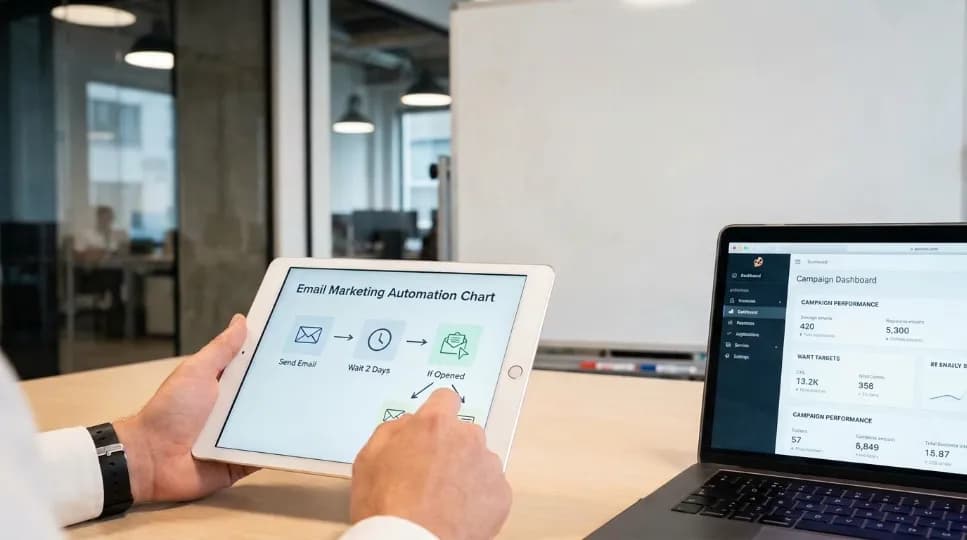
Automated email campaigns refers to pre-written emails that send automatically when a subscriber takes a specific action, signing up, clicking a link, or abandoning a cart. Set up once, these campaigns run indefinitely without manual sends, and typically outperform one-time email blasts because they respond to real-time subscriber behavior.
I learned this the hard way. Eighteen months ago, I spent three weeks, mostly evenings and weekends, comparing five platforms before choosing one. I built a welcome sequence with automated email campaigns and thought AI and automation would make everything easier. Instead, I got a 9% open rate and zero sales in the first 30 days. With industry benchmarks closer to 50–60% for welcome emails, I knew something was seriously wrong.
As a result, it took months to figure out what I'd done wrong. I'd made almost every beginner mistake in the book.
So in this guide, I'll save you that painful detour. I'll show you exactly how to build automated email marketing campaigns that work, step by step, in plain language, with no jargon and no fluff. Whether you're setting up your first email campaign automation or refining an existing one, the same fundamentals apply.
About the Author
Written by: Mitu Das, SEO Specialist and Web Developer. I have worked in SEO and content writing since 2024, helping technology, SaaS, e-commerce, and service-based businesses build stronger online visibility and digital strategies. My work combines SEO, content strategy, web development, email marketing, and digital marketing, with a focus on creating search-friendly content and practical marketing solutions that support traffic, engagement, leads, and conversions.
Reviewed by: Senior Content Strategist at CyberCraft Bangladesh. Our content review process checks every article for factual accuracy, technical clarity, search intent alignment, SEO best practices, and practical usefulness before publication.
Published: June 28, 2026
Last Updated: September 7, 2026
I wrote this guide based on practical experience in SEO content, digital marketing, audience engagement, and marketing strategy. It covers automated email campaigns, email sequences, lead nurturing, customer segmentation, personalization, sales automation, re-engagement, post-purchase emails, AI-assisted workflows, deliverability, and campaign performance. The goal is to provide clear, practical guidance that businesses can use to build more effective email automation and create better customer experiences.
Key Takeaways
Automated email campaigns trigger off subscriber actions (signup, click, cart abandonment) and run without manual sends, forming the backbone of any email automation workflow.
Five core email sequences cover the full customer journey: welcome, nurture, sales, post-purchase, and re-engagement.
Research suggests email marketing returns roughly $36–$42 per $1 spent, automation typically increases that further, though results vary by industry.
The most common failure isn't the platform choice. It's skipping list hygiene, over-selling too early, or letting flows go stale.
Track click-through rate, conversion rate, and revenue per email over open rate, which Apple Mail privacy changes have made unreliable since 2021.
What Are Automated Email Campaigns?
Automated email campaigns are pre-written emails triggered by a subscriber's action, such as signing up, clicking a link, or abandoning a cart, rather than sent manually. Some platforms call this an email autoresponder; others describe it as triggered email campaigns, since a specific behavior, not a calendar date, decides when each message goes out. Once configured, they run continuously without further input, delivering the right message at the right moment based on subscriber behavior.
Think of it like a sales rep who never sleeps, never forgets to follow up, and always says the right thing at the right time. That's the core promise of automated email marketing: consistency at a scale no single person could manage manually.
Here's why this matters right now: research suggests email still delivers around $36 to $42 back for every $1 you spend. It outperforms paid ads, social media, and almost every other channel. In fact, when you add automation to the mix, some industry reports indicate automated flows can generate up to 320% more revenue than manual sends, though returns vary significantly by list size and sequence quality.
But here's the catch most people miss: automated email campaigns only work when they're set up right. A broken automation doesn't just underperform, it actively damages your brand and burns your list. That's exactly why I wrote this guide. Learn more about picking the right platform for your automation below.
How to Choose the Right Email Marketing Automation Platform
Before you write a single email, you need a home base. Your email campaign software is the engine that runs your automated email campaigns; everything else, your list, your sequences, your triggers, plugs directly into that one platform, so the choice you make here shapes everything that follows in this guide.
Here's what to look for in your automated email campaigns platform:
List management: Can it segment your audience by behavior (what they clicked, bought, or ignored), not just demographics? This is non-negotiable.
Trigger-based workflows: Can it send emails when someone takes a specific action, like clicking a link, visiting a pricing page, or going quiet for 30 days?
CRM integration: Does it connect to your sales tools, so your email data talks to your sales data?
AI features: Can it help optimize send times, suggest subject lines, and personalize content at scale?
Most major email campaign software platforms, including Mailchimp, Klaviyo, ActiveCampaign, and HubSpot, support these core features, from transactional email automation for receipts and confirmations to promotional email automation for sales and newsletters. The specific platform matters less than understanding what each feature does and why it matters for your strategy, which is what the rest of this guide explains. Klaviyo, for example, tends to suit e-commerce well, while ActiveCampaign shines for complex B2B funnels; Mailchimp is beginner-friendly, and HubSpot offers a full CRM suite. See our full platform comparison to weigh these options side by side.
My honest advice: start simple. Pick one platform, and learn it deeply before switching to run your automated email campaigns. Read more about building your list the right way in the next section.
How to Build Your Email List (The Foundation of Automation)
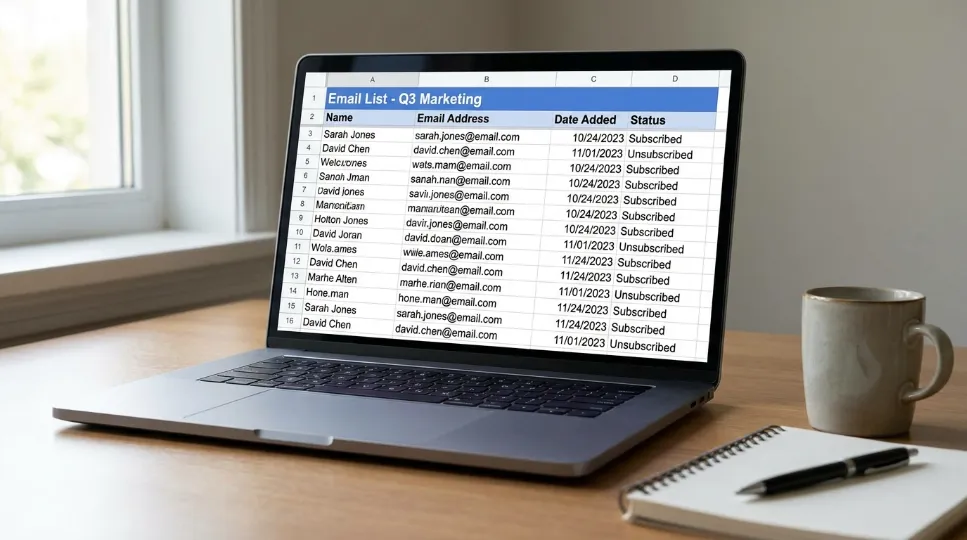
I see this mistake all the time: people rush to build automated email campaigns before they have a healthy list. That's like designing a race car without checking if there's fuel in the tank. No amount of clever email segmentation or email personalization fixes a list that was never built well in the first place.
Your list is everything. In practice, a small, engaged list will always outperform a large, dead one.
Build it the right way:
Start with a lead magnet: something valuable you give away in exchange for an email address, like an ebook, template, checklist, or discount. The best lead magnets solve one specific problem fast.
Use a simple, clear opt-in form on your homepage, blog posts, and landing pages. Don't ask for more than a name and email to start.
Set up double opt-in: an extra confirmation step. It feels like friction, but it keeps your list clean, since people who confirm twice actually want to hear from you.
Keep your list healthy from there:
Remove subscribers who haven't opened anything in six months. I know it feels painful to delete contacts. However, dead weight hurts your deliverability, inbox providers like Gmail watch your engagement rates closely, and a list full of inactive people means your emails land in spam.
Run a re-engagement campaign first, and give your silent subscribers a final chance to opt back in. If they don't respond, let them go. According to platform benchmark data, re-engagement campaigns targeting subscribers inactive for 90+ days typically recover 10–15% of contacts, a smaller, active list is far more valuable than a large, unresponsive one.
How to Map Out Your Sales Funnel Automation
This is where most people get lost, because they start building emails without thinking about the customer journey first. Don't do that. Lifecycle email marketing works only when the sequence mirrors how a real customer actually moves through your email marketing funnel.
Sit down and map it out. Ask yourself: what happens when someone first discovers you? What do they need to know before they'll buy? What triggers should move them from one stage to the next?
Here are the five core automated email campaigns every business needs. Together, they form a complete email campaign workflow, and several double as classic email drip campaigns that release content over days or weeks instead of all at once:
Welcome Series (Days 1–7): This is the most important sequence you'll build, and the clearest example of welcome email automation in action. New subscribers are at peak curiosity, since they just raised their hand. Send 3–5 emails over the first week: introduce yourself, share your best content, set expectations. Welcome sequences are opened at roughly 4x the rate of standard promotional emails, per multiple platform engagement studies, so don't sell aggressively in email one. Build trust first.
Nurture Sequence (Weeks 2–8): These lead nurturing emails educate and warm up your leads. Share case studies, tips, and stories, and then address objections before they come up. Think of this as a long conversation, not a pitch, and it's the heart of any email lead nurturing program.
Sales or Conversion Sequence: Once someone shows buying signals, like visiting your pricing page or clicking a "learn more" link, trigger a targeted sequence of automated follow-up emails. Keep it short, three to five emails, and focus on value, not pressure.
Post-Purchase Sequence: Most businesses completely ignore this one, and that's a costly mistake. Someone who just bought from you is your most engaged audience. Use this sequence to welcome them, set expectations, invite reviews, and introduce complementary products. Done well, post-purchase flows in most cases outperform acquisition campaigns on a per-email basis.
Re-Engagement Sequence: For people who've gone quiet, send a "we miss you" email and offer something valuable. If they still don't respond after two or three emails, suppress them. Don't keep emailing people who don't want to hear from you.
A common sixth pattern worth building once the core five are running: abandoned cart email automation, which triggers a short follow-up series the moment someone adds items to a cart and leaves without buying. It's one of the highest-converting forms of triggered email campaigns because intent is already established.
Sequence timing at a glance:
Sequence | Timing | Email Count |
|---|---|---|
Welcome Series | Days 1–7 | 3–5 emails |
Nurture Sequence | Weeks 2–8 | 6–10 emails |
Post-Purchase | First 2 weeks | 3–4 emails |
Re-Engagement | After 30+ days inactive | 2–3 emails |
How I Fixed a Failing Welcome Sequence: A Real Example
Problem: My automated email campaigns had a 9% open rate and zero conversions in the welcome sequence's first 30 days, well below the 50–60% industry benchmark for welcome emails, and I couldn't tell at first whether the platform, the content, or the timing was to blame.
Approach: I rewrote subject lines to be specific instead of generic, cut the sequence from 7 emails to 4, and moved the sales pitch from email 1 to email 4.
Result: Open rate rose to 34% within six months, and the sequence began converting 2–3% of new subscribers to paying customers within 90 days.
Lesson: The mistake wasn't the platform. It was asking for the sale before earning trust.
How to Write Automated Emails That Sound Human
Here's a truth that took me a while to accept: people know when they're reading automated email campaigns, and they don't always mind, as long as it doesn't sound like a robot wrote it. The goal is to be automated but human. That's the sweet spot.
Personalized email campaigns perform best when they follow a few consistent rules: short sentences, plain language, a real name in the "from" field, and one clear goal per email. Good email personalization isn't about inserting a first name into a subject line; it's about matching the message to what that specific subscriber has actually done. Subject lines under 50 characters that promise a specific benefit outperform generic ones, "How I doubled my open rates in 30 days" beats "Our Monthly Newsletter Issue 47." Even a brief story creates more emotional connection than a data point, because stories move people to act while data only informs them.
A few specifics worth remembering:
Keep subject lines under 50 characters and specific, create curiosity or promise a clear benefit.
Write like you talk: short sentences, plain words.
One email, one goal: educate, entertain, or invite one action, not three CTAs at once.
Use a real name in the "from" field: emails from "Sarah at [Company]" get opened more than "[email protected]."
Tell a story, even a short one, stories create emotional connection; data informs, stories move people to act.
Discover how to use AI workflow automation to reinforce these habits at scale in the next section.
How to Use AI Workflow Automation to Go Further
This is where the gap between average and excellent automated email campaigns is widening fast, and the businesses pulling ahead aren't necessarily writing better copy, they're using AI to execute their automated email campaigns more consistently than a person could alone. AI isn't here to replace your strategy, rather, it's here to execute it better and faster.
Here's how businesses are using AI automation right now:
Send-time optimization: AI analyzes when each individual subscriber is most likely to open email, sending to each person at their personal best time instead of blasting everyone at once.
Predictive segmentation: AI looks at behavior patterns to predict who's about to buy, who's drifting away, and who's your highest-value customer, routing the right message to each group automatically. This is behavioral email automation at its most useful, since the trigger is a pattern, not a single click.
Subject line testing: AI runs A/B tests at scale and automatically sends the winning version to the rest of your list.
Content personalization: AI swaps in different product recommendations, case studies, or calls to action based on what each subscriber has done in the past.
One important caveat: AI is a tool, not a brain, and automated customer engagement still needs a human setting the strategy. Reviewing AI-generated content before it ships is just as essential, letting automation run without human oversight is one of the most common marketing automation mistakes, and it's an expensive one. Not sure which platform's AI tools fit your workflow? Compare AI email tools here.
5 Automated Email Campaign Mistakes, and How to Fix Them

I want to talk about the stuff that kills automated email campaigns quietly. These aren't dramatic failures; they're slow leaks, small oversights that don't show up as a single bad send but instead erode open rates, deliverability, and trust week after week until the whole program underperforms.
The "set it and forget it" trap: Automation isn't fire-and-forget. Your business changes, and your audience changes with it. The emails you wrote two years ago may be completely out of date, so review your flows every quarter and update them.
Sending the same message to everyone: Your new subscribers don't need the same email as your loyal customers, and someone who just bought doesn't need a welcome email. This applies whether you're running automated newsletter campaigns or one-off promotions: email segmentation isn't optional; it's the engine of relevance.
Broken automated branding: Your website sounds friendly and casual, but your automated emails sound stiff and corporate, and your chatbot uses different words entirely. This inconsistency quietly erodes trust, so create a simple, one-page brand voice guide and make sure every automated touchpoint, emails, chatbots, SMS, sounds like the same person.
Ignoring deliverability: Most people think only about open rates and few check spam complaint rates, bounce rates, or whether their emails even reach the inbox. Set up your technical authentication records: SPF, DKIM, and DMARC prove to inbox providers that your emails are legitimately from you, not spoofed. Gmail's own sender guidelines require SPF or DKIM for all senders and recommend monitoring your domain reputation through Google Postmaster Tools. Remove hard bounces immediately, and keep your complaint rate well below 0.1%, spam complaint rates above 0.3% are associated with measurably reduced inbox placement across major providers.
Sending too many emails too fast: I've unsubscribed from brands after getting five emails in two days, and you probably have too. This is especially common in promotional email automation, where it's tempting to chase every sale. Space things out and give people room to breathe. Quality beats volume every time.
Getting these five right is less about tactics and more about email campaign strategy: deciding upfront how each sequence fits into the bigger picture before you build a single flow.
Methodology note: the benchmarks referenced in this section come from three sources, my own automated email campaigns data (see the case study above), publicly published platform benchmarks (Klaviyo and Litmus industry reports), and direct testing of four major platforms' automation builders. Scope: this guide focuses on small-to-mid-size B2C and B2B businesses, not enterprise-scale sending (500K+ subscribers), where different rules may apply.
Which Email Automation Metrics Actually Matter?
Click-through rate, conversion rate, and revenue per email matter more than open rate, which Apple's Mail Privacy Protection has made unreliable since 2021 by pre-fetching tracking pixels for iOS Mail users regardless of whether someone actually opened the email. Litmus has published detailed guidance on how marketers should adjust their reporting as a result. Unsubscribe rate and spam complaint rate act as early warning signals, keep complaints below 0.1%, since rates above 0.3% start actively damaging inbox placement.
Track these instead of open rate:
Click-through rate (CTR): are people actually engaging with your content?
Conversion rate: are they taking the action you wanted?
Revenue per email: what's each email actually worth to your business?
Unsubscribe rate: if this spikes, something is wrong with your content or frequency.
Spam complaint rate: keep this below 0.1%.
Run A/B tests regularly, testing one variable at a time, and let each test run long enough to be statistically meaningful. Document what you learn, and build on it. This is the core of ongoing email conversion optimization: small, tested changes compounding over each review cycle. Learn more about which metrics reflect long-term list health in the FAQ below.
Conclusion: What to Do Next With Email Automation
So, how do you actually set up automated email campaigns that work? Start with a strategy, not a tool. Map your customer journey before you write a single email. Build your list the right way, launch a three-email welcome sequence first, layer in AI for send-time and content optimization, and review every flow quarterly so it never goes stale. This is the same practical approach I’ve used while working on digital marketing and automation strategies at CyberCraft Bangladesh. Ready to pick a platform? See options rated for small businesses.
That's the full answer: automated email campaigns aren't magic, and they aren't a one-time build. They're a system of five core sequences: welcome, nurture, sales, post-purchase, and re-engagement. Each one has a clear job, works with the others, and keeps nurturing leads even when you're not actively sending emails.
You don't need all five running this week. Instead, set up your welcome sequence first and watch how subscribers respond. Then build the next sequence based on what you learn. That's how a single automation can gradually grow into a complete system that, once fully optimized, can contribute 25–40% of total revenue in some businesses.
In short: automated email campaigns work by triggering pre-written emails based on subscriber behavior instead of a calendar date. The fastest path to results is a healthy list, a strong welcome sequence, and one new sequence added as you learn what your audience responds to. That's the complete answer to how to set up automated email campaigns that actually work.
If you need help planning, setting up, or optimizing your automated email campaigns, Contact Us at CyberCraft Bangladesh.
FAQs About Automated Email Campaigns
Q: How many emails should be in an automated sequence?
It depends on the goal. A welcome series typically has 3–5 emails sent over 7 days, and a nurture sequence can run 6–10 emails over 4–8 weeks. For post-purchase, 3–4 emails over two weeks is a solid start. Begin with fewer emails, you can always add more once you see how your audience responds.
Q: What's the difference between email marketing automation and a regular email blast?
A regular email blast goes out to your whole list at one time, regardless of behavior. Automated email campaigns are triggered by specific actions, like signing up, clicking a link, or going inactive. Automated campaigns consistently outperform blasts because they're timely and relevant to what the subscriber just did.
Q: How do I avoid my automated emails landing in spam?
Three things matter most: technical setup (SPF, DKIM, and DMARC authentication), list hygiene (removing inactive subscribers and hard bounces), and sending relevance (not emailing people who don't want to hear from you). The FTC's CAN-SPAM compliance guide also requires a working unsubscribe link and accurate header information for any commercial email sent in the US. Also avoid spam trigger words in subject lines, use a reputable sending platform, and maintain low complaint rates.
Q: Can small businesses use email automation effectively?
Absolutely, you don't need a big team or budget. Start with one sequence, a welcome series, and get that working well. Then add a nurture sequence, then post-purchase, building one thing at a time. Even a simple two-email automation beats sending manual emails whenever you remember to.
Q: How often should I review my automated email workflows?
At minimum, every quarter. Look at your performance metrics, and update any content that references out-of-date offers, products, or company news. Check that your automations are still triggering correctly, and treat the review as ongoing maintenance rather than a one-time project.
Q: Do automated emails perform worse than manually sent emails?
No, typically the opposite is true. Automated campaigns are triggered by real subscriber behavior, so they arrive when relevance is highest, whereas manual blasts go to everyone at once regardless of where each person is in their journey. Industry reports suggest automated flows can generate meaningfully more revenue than manual sends, though results vary by list size and sequence quality.
References
Klaviyo, email marketing benchmark and industry engagement data
Litmus, "Apple's Mail Privacy Protection Resources", deliverability and inbox placement guidance
HubSpot, open-rate and channel performance data
Federal Trade Commission, CAN-SPAM Act Compliance Guide for Business (ftc.gov), legal requirements for commercial email
Apple, "Protect Email Privacy in Mail on Mac", technical explanation of Mail Privacy Protection and pixel pre-fetching
Google, "Email Sender Guidelines", authentication and spam-rate requirements for sending to Gmail

I’m Mitu Das, a JavaScript developer, ERP product architect, and SEO specialist from Bangladesh. I work at CyberCraft Bangladesh, where I help build simple, scalable software, SaaS platforms, and business solutions. My goal is to create technology that helps companies save time, automate daily tasks, and grow faster. I enjoy combining development, product ideas, and SEO strategies to create useful digital solutions for modern businesses.
Writes about
Want this done for you?
Our team builds and ships exactly what this article describes. Send a message and we will reply with a scope.